How to automate repurposing and publishing your videos on social media
Make the videos you’ve already posted keep gaining views and followers, consistently, on their own.
How it works
Hey, I’m an ecommerce business owner who happened to fall in love with AI automation and content creation.
I started selling on Amazon US in late 2019, and grew a product to a top-10 best seller in its category after just three months as a brand-new seller. Now I sell on Shopify too.
I also wrote Zero to Bestseller: How to Build a 7-Figure Amazon Listing from Day One, the most comprehensive book on the market about optimising an Amazon listing, based entirely on my own research and running my own brand, not written by AI like so many books today.
In this article I’ll show you how to automate the whole thing: from turning your existing long videos into a steady stream of short clips, to publishing them across your social media, all running on its own. Here’s the whole process, start to finish, so you can see exactly what it takes to set it up.
Step 1
Choose which videos to repurpose
Almost any long video can be repurposed, so this is about picking the right ones to start with. If it’s already posted, go by the numbers: the videos with more views and engagement are your first signal, because clips pulled from a video people already responded to tend to do well too. If it’s still sitting in your drive, unposted, pick the one that matters most to you or that you feel is your strongest.
Long here can mean anything from a couple of minutes up. And there’s no set number of clips you’ll get from it. It depends on how many good moments there are in a video. In a podcast, that’s the sharp questions and the key exchanges. In an educational or instructional video, it’s the key teaching points and the most important takeaways. In a product demo, the most engaging part or the standout features.
Step 2
Pick a tool to cut the clips
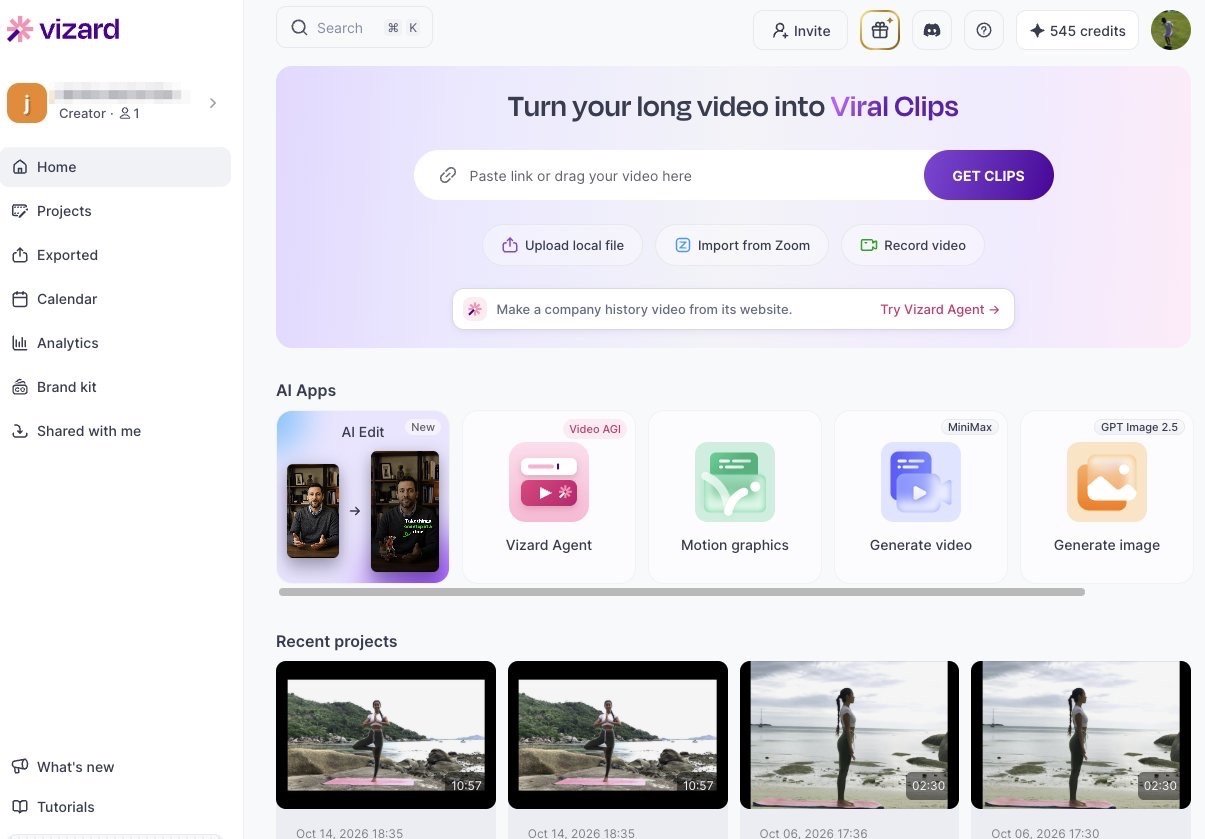
You need something to turn the long video into short vertical ones. You can do it manually in an editor like CapCut, or let AI find and cut the moments for you. Tools like Vizard or OpusClip will pull out clips, reframe them to vertical, and add captions. Each one works a little differently, so you’ll have to try them out to find the one that fits you best and works the way you want.
The reality: the clips come out close to ready; styled captions, silences cut, keywords highlighted, emoji added; and some tools will even publish them for you in a click or two. But it doesn’t run on its own. You’re still the one choosing, checking each clip, and pushing it out, every time, for every platform.
Step 3
Wire all the tools together so it runs on its own
Connecting apps and AI tools in n8n into one automated workflow
This is the heart of the whole thing. Cutting one video is fine. Doing it every week, for all your social channels, one clip at a time, is where people quietly give up.
To keep it going you want the tools connected, and that’s what a platform like n8n or Make does: it wires the apps together so the process runs itself instead of eating your afternoons. A long video goes in one end and finished short clips come out the other, published on a schedule you choose.
Set up once, it saves you hours every week and every month you’d otherwise spend doing all of this manually.
This is also where most of the learning sits. In n8n, each step is a “node,” and a node can be a tool/app, an AI model, or a function that does one job in the flow. To build it yourself, you’d need to get comfortable with:
- What each node is and does, and how it takes an input and gives an output.
- How to read the output of earlier nodes, so you can see what the next step will work with, and spot where something has gone wrong.
- How to set up each node’s parameters, which differ depending on what it connects to, an AI model, Google Sheets, or something else.
- How to handle logic with functional nodes, like an “If” that sends things one way when a condition is met and another way when it isn’t.
The real skill is understanding how each tool works, then combining them with these functional nodes so the whole flow does what you want. You can learn all of this by working with AI like ChatGPT or Claude, but it still takes time.
You start from the end goal, what you want to achieve, and check whether a tool fits the workflow. If it doesn’t, you either find a different tool or change the flow around it.
The reality: understanding each tool and wiring it all together, is the part that takes the most figuring out. It’s learnable, but it’s a real setup, and it has to be maintained when something changes.
Step 4
Build a caption generator that fits each platform
A system prompt that trains and guides AI to write each post’s caption on its own, the way you want it
The audience on each channel browses differently, and they respond to different things. A caption that lands on one channel can fall flat on another, so it needs to match how people scroll and what they tend to like on that particular channel.
That’s why the captions have to be customised properly, per channel, not one line copied everywhere. An AI tool (usually a large language model) handles this well now, as long as you give it good instruction.
So in your flow you set up a step where an AI writes tailored captions for every channel, automatically, each time a new clip comes through. What’s powerful here is there’s no limit on what you can tell it: you can shape the captions any way you want, fold in your brand voice, your style, what you know your audience responds to. That’s the difference from a fixed tool like Vizard or OpusClip, where you can’t control every element. Here you can. The sky is the limit.
The reality: You need to do proper research into the caption styles that perform best on each platform, then verify it yourself by looking at popular profiles in your niche rather than blindly following the AI’s research.
You then incorporate those findings into a system prompt for a large language model like ChatGPT to draft every caption in your tone, your style, your brand voice if you have one, and suited to how people on that platform consume content. Then it takes several rounds of trial and testing, going back to adjust and improve the prompt again and again until it’s right.
Step 5
Build the automated system to publish the clips
An automated publishing workflow in n8n, posting to YouTube
At this step you connect a posting tool to the finished clips coming out of the previous steps. A tool like Upload-Post or Blotato does this: it takes each clip and publishes it to your connected channels for you.
You can also set a first comment on your posts that comes out different each time, by combining an AI tool with the features the publishing tool provides. From here on, your flow generates the clips and publishes them on the schedule you chose, on its own, so your channels stay active and new people keep finding you.
The reality: firstly, not every publishing tool or aggregator has a public API to plug into n8n, so you have to check that before anything else. Secondly, it takes testing to find the publishing tool that works best for your needs, and above all one that’s reliable.
I tried Blotato and found it a pain: it doesn’t update in real time and the website lags constantly. A number of publishing tools also have users reporting posts getting stuck and never going out until they check. So you have to find one that’s stable and up all the time, with no downtime.
And lastly, beyond reliability, you have to work out whether the tool can actually do what you want and fit the flow you’re building. Then you set up the tool’s fields and parameters correctly in n8n, so that every clip and its captions are published correctly.
Step 6
Inject your own approval step before every clip goes out
Before posting the clips, you add an approver step where all the clips wait for you, each with a link to the clip, ready in a spreadsheet, and you approve or decline them quickly. This is where you stay in control, and the one place the flow genuinely needs your judgment.
Finding the best moments
This is where you decide which clips actually hold the best moments. Whatever you think will work may not. This is where an AI tool specifically trained for this job earns its keep: tools like Vizard and OpusClip are specifically trained to find the best moments in a long video, and they weigh far more than a person scrubbing footage can, every line of the transcript, the audio, the sentiment, who’s speaking, some even scoring each clip for how likely it is to take off. So give it some credit, let it work, and see what it pulls.
But that’s relative, not absolute, so the final call is yours. Doing it by hand on every long video would be ideal, but this is a scale game, you can’t hand-pick forever, and these tools are trained for exactly this and getting smarter every day.
So you lean on the AI to surface the candidates, then bring your own judgment on top, because you understand your product, your service and your podcast better than anyone else. It also depends on what you want a clip to do. In a podcast, for instance, a moment that sparks curiosity and leaves people wanting to watch the full episode can be exactly the clip worth capturing.
In my experience, what makes a clip work is that it doesn’t have to be a complete, rounded thought, as long as it delivers something, a moment that’s fun, a little realisation that lands, a piece of real information or a spark of emotion, and doesn’t leave the viewer confused or cut off mid-thought.
The reality: this is the one step you would not want to fully automate. It’s a quick review, but it’s the difference between content that runs on autopilot and content you actually stand behind.
Step 7
Watch what works and adjust
Once it’s running, the work becomes reading the results. Which clips took off, which fell flat, which type of video is worth repurposing more of, what posting times and frequency actually land. You try things, watch how the audience responds, and keep tuning.
The reality: this is an ongoing process. But once you’ve set it up successfully, that’s a big achievement: it saves you a lot of time, puts you ahead of your competitors, and helps you scale your audience.
Setup: accounts, subscriptions and connections
None of this works until you’ve set up the accounts behind it, and most of them are paid. To do it yourself, you’d need:
- A paid plan on the automation platform (n8n or similar).
- A paid subscription to the clipping tool (Vizard, OpusClip or another).
- An OpenAI account with credit loaded, for both the transcription (Whisper) and the AI that writes the captions.
- A file-conversion account (such as CloudConvert) to strip the audio out of each clip so it’s small enough to transcribe.
- A paid plan with a publishing tool/aggregator to post to your channels.
- A Google account for Sheets and Drive, plus a Google Cloud project with the credentials set up to connect and authorise n8n to read and write to them.
- Your social accounts connected and authorised for publishing.
Each one is an account to open, some of them paid, and a connection to authorise correctly before a single clip goes out.
So why are those videos still sitting there?
Written out, none of these steps is hard on its own. Put together, it’s a real job: choosing and learning the tools, testing them, building the wiring for automation, researching and building the system prompt for caption generation then testing and improving it, and keeping an eye on all of it to fix it when something is broken.
Most people who own great videos never get to it, not because they can’t, but because it’s one more thing on top of running the actual business. That’s the real reason those videos are still sitting there.
Can you do it?
You’ve seen the whole process. So you can. However, here are a few things I suspect may be popping up in your mind.
What you may be thinking now:
“I don’t have the time.” I’m already running a business; I already have a full-time job. How am I supposed to learn all of this in on top of everything else?
“I’d have to learn all of this.” The tools, the wiring, the testing. That’s a real bunch of work before anything even goes out.
“What if something breaks?” Then I’d have to work out how to fix it too. It’s a hassle that I’m not a fan of.
“Will it even work for my channel?”
How long will it take you to get there?
And there’s the time it takes to get there. Starting from zero, not knowing n8n, Make, or how any of this connects, understanding it well enough to build something that runs reliably takes a while.
Getting comfortable with the tools, the parameters, the way it all fits together, then building flows that run day after day without breaking, comes from real practice over time.
At around ten hours a week, if you’re really determined, you’re realistically looking at at least two months before it’s running smoothly and mostly on its own.
Everyone learns at a different pace, so for some it’s less, and for others quite a bit longer.
I had to work it out the hard way
I know, because that’s what it took me. It took me quite some time to learn, practice, test, and work out the best way to use these automation tools.
A big part of why is that no one out there was teaching this specific thing, repurposing and publishing automation, the way I needed it. I looked. I went through courses, in-person events here in Melbourne, and I reached out to people overseas where the tech scene is buzzing, and none of them taught what I actually wanted to do.
I had to work it out myself. As I’d worked for a world-leading marketing automation software corporation before, I’m naturally drawn to efficiency and automation, and AI has opened the door for me to finally build things I always wanted to but couldn’t. I run a business too, with everything else that pulls at your week, so I know exactly what it costs to fit this in.
We have ChatGPT now, but it only saves so much
Before automating the whole process, this is what I went through:
- Getting excited every time I had a new clip, then publishing them one at a time across all of my social channels, always took longer than I wanted it to.
- Even with the help of AI like ChatGPT, I still had to prompt it, describe the clip, then push it again to get the tone and style of the caption right. And keep reminding it about hashtags, and tags (for YouTube), that are native to each platform. Every clip took at least one or two rounds of prompting to get it right. For every channel.
- I juggled several channels and tools, moving each clip between apps manually.
- If you use a publishing tool, many times clips get stuck on there and silently never go out, until you check and find out.
It’ll change everything once it gets going
None of that is meant to put you off. Once it’s built and managed properly, it changes everything: it runs on its own, saves you hours every week, keeps your channels growing, and puts you ahead of the businesses still doing it by hand or not doing it at all. The work is all upfront. The payoff keeps coming.
Consistency is where it falls apart
Here’s the part nobody says out loud. Even people who do start rarely keep it up.
Making the clips and posting every day, for every channel, is genuinely draining. In a survey by Adobe Express of 433 business owners:
That’s the trap. The advice is always “just be consistent.” But consistency is exactly the thing that breaks first, because it’s a grind, and you have a business to run. So the content starts strong, then goes quiet, and the videos go back to sitting there.
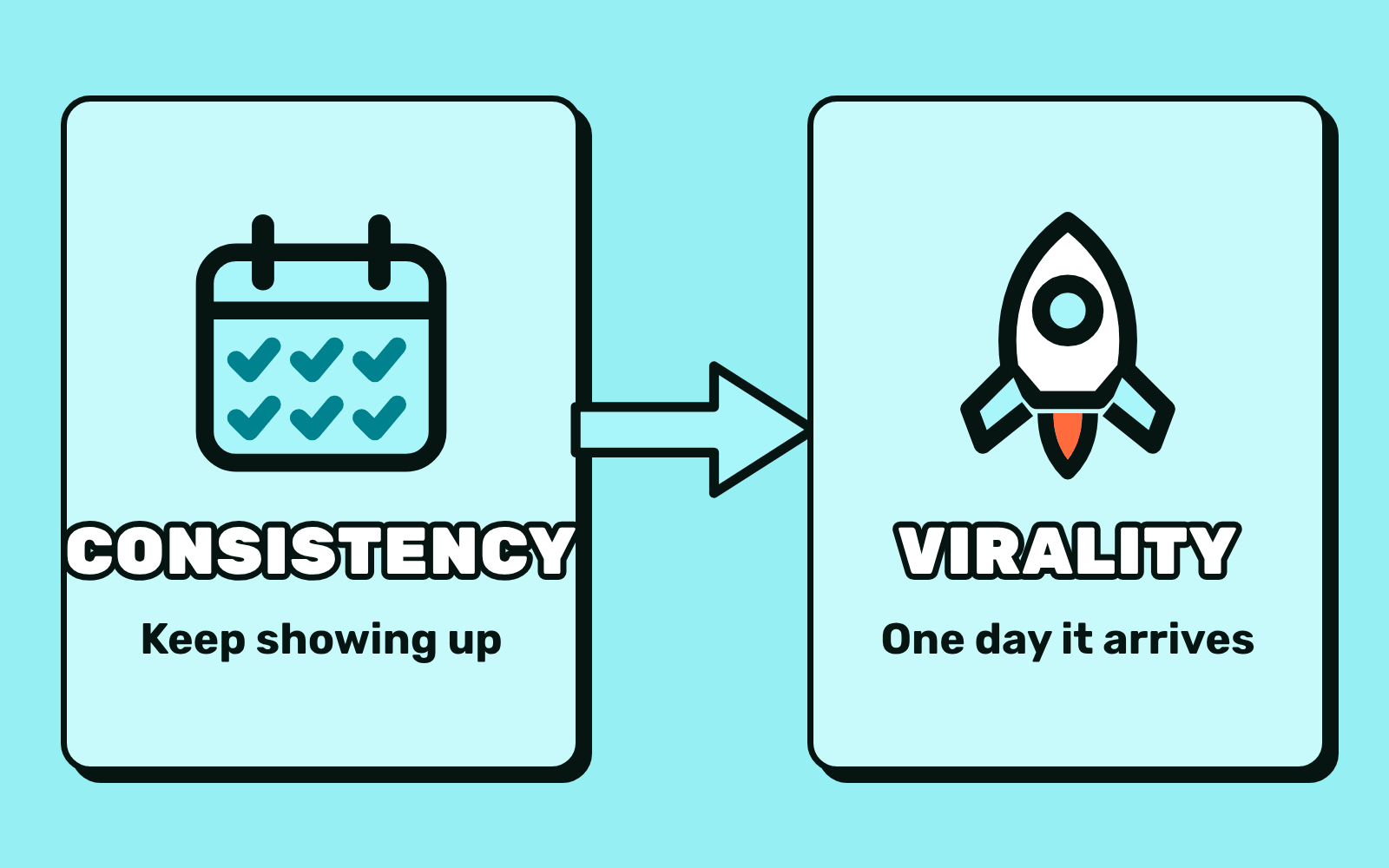
Consistency and Virality aren’t rivals, they’re cause and effect
What makes a clip go viral?
Virality can’t be planned. Plenty of people will teach you the “formula” for a viral clip. I’ve researched this a lot myself, and what I found is that in almost every case, the person who made the clip that went viral never expected it to. It comes naturally, from genuinely made content, when you stop forcing it into a format or a box.
Not chasing virality, but being consistent, increases your chance of going viral.
Virality is a bit like love: you can’t schedule it, but if you keep showing up, one day it arrives. The one thing I found those viral cases had in common was that the creator was consistent.
And in repurposing, you’re not even making new content. You are utilising an asset you already have: your long videos. Long now can mean anything from a couple of minutes up, not the 20, 30, 60-minute pieces we used to think of.
Not all the good moments get noticed
Inside each long video, not all the good moments are fully noticed by your audience. Making those good moments into short clips and showing them consistently lets you communicate all the best of what you want to say to your audience.
People are getting less patient than ever, which is exactly why shorts are doing well everywhere, YouTube Shorts, Reels, TikTok. So just by repurposing what you already have and publishing consistently, you win a real share of the growth in views and followers.
And if you let the repurposing run consistently and combine it with making new content at a steady pace, you’re almost unstoppable.
How do you improve over time?
Optimising means testing, and testing means letting go of what you were sure would work. As business owners, we all carry some ego about our own content: this is how it should look, this is what I want to say, it can’t go out like that.
I’ve had to learn this myself. The clips that perform are often not the ones you’d have bet on. So the real skill is putting your own view aside, staying open to different forms and outcomes, and letting the audience, not your assumptions, decide what wins.
That takes patience, and the discipline to keep your emotions out of it. It’s harder than it sounds, and it’s exactly what makes optimisation work.
What choices do you have?
So you have two real choices. Learn all of it yourself and give it the time it takes to run. Or hand it to someone who’s already built it and runs it every day. Both can work.
We can work on this together
Everything you just read, the tools, the wiring, the captions, the daily posting, the keeping it running, I’ve already built it and I run it every day for my own business.
So if you’re a thriving ecommerce business and we’re a good fit, I can work with you to build a complete, bespoke system for your video content repurposing, based on your business, your industry, and the platforms you want to publish on.
This is just the start
Video content repurposing is one piece. I’ve built and proven a number of content generation systems for my own business, and I can bring any of them to yours:
- Video content repurposing, your long videos turned into daily short clips, published for you (this page)
- UGC image automation for Instagram
- AI video generation automation
- UGC video production, with real creators, scripted and managed by me
Here’s exactly what you get when we work together on your video content repurposing.
How do we work together?
We’ll start with a conversation. I’ll look at your business, your channels, the videos you already have, and what you want to grow. I’ll pick the videos to repurpose, and it’s two-way, so I’ll take your input on board too.
You hand over access to the videos and your channels. From there, I’ll build an AI automation system that picks the clips, repurposes them, and publishes them daily for your business, running on my end. The system is fully customised to your business, built for you and not shared with any other business, and everything runs under my management. Down the road, I can also hand the system over to you to run yourself. We’ll talk about it if you’d like.
Everything is laid out on one Google Sheet: links to the clips that have been made, their captions for each platform, when each will be published. If you have any comment, you reach out to me directly.
I’ll build and customise an AI caption generator that takes into account every specific aspect of your business and how each platform behaves, to produce the best caption style. It applies hashtags native to the platform, so the clips are more searchable. And a first comment is seeded to the post, depending on how each platform works, to lift engagement or drive traffic to your website.
Everything that goes out has my final approval. Before a clip reaches me, it passes two AI evaluation stages. One of which I’ll build and customise around the characteristics of a given business’s content, so what lands on my desk is already vetted.
After around 30 days, once the data becomes more significant, I’ll look at the statistics and adjust accordingly: posting times, the type of clips that get more engagement and followers, and so on. From there, the repurposing and publishing keep getting optimised.
You sit back and watch your channels grow.
Note: Down the road, if you’d like me to hand the system over to you and train you to run it yourself, I’m happy to. Just ask, and we’ll have a separate conversation about it.
What you’ll get
Each month
Video selection
Your existing videos will be reviewed and selected for repurposing into short clips. You won’t have to spend time working out what to use or where to start.
Short clips, published every day
Repurposed short clips made from your chosen long videos, edited and ready to publish, with the best moments picked and styled to engage viewers. How many go out each day will be decided from my research into your business, your audience, your existing video library, and the social platforms you publish on.
A bespoke caption for every clip
A bespoke caption for every clip, written per channel in your brand voice, with hashtags and metadata tuned for that platform’s searchability.
A planned publishing sequence
A publishing sequence I plan and design, so the clips roll out in an order that builds an engaging content journey for your audience, rather than landing at random.
Daily publishing, fully managed
The clips are published daily across your social channels, such as YouTube, TikTok, Instagram, Facebook, LinkedIn and more, at researched, optimal times, under my management, with constant supervision and tweaks from me to keep lifting engagement. You don’t lift a finger. And if you’d like to run the system yourself down the road, I can hand it over to you, and we’ll talk about it.
Plus, along the way
Consulting, built in
This isn’t plug-and-play. I look at your business, your niche and your industry, and advise you on what I think will work best for your content journey, drawn from my years of experience in creating content.
A roadmap for new content
Repurposing keeps your existing videos working. New content brings in fresh blood. As the data shows what works in your niche, I’ll give you a roadmap for what to create next, at a pace that suits you, whether that’s monthly or quarterly.
What does it do for you?
Growth from what you already have
Growth in views and followers, not from new content you have to produce, but from your existing, unutilised content. In other words, your content is recycled and still bringing in new views and followers.
Your brand, your ownership
Your presence growing under your own brand, with you owning everything.
A system built only for you
The system I described above will be built and customised to your business. I’ll build a new system of video repurposing and publishing for your business that runs independently and isn’t shared with any other business. Completely exclusive.
Many hours back, every week
Many hours saved every week and every month, off a task that drains your time, while your channels keep working in the background on what you already have.
Your mind freed up
Your mind is freed from it too, with more room to think about the other strategic work that also grows your business.
Consistency, finally kept
Consistency, the one thing that matters most in social media posting, and the thing that’s hardest to keep up on your own.
Why is this different?
Because I’ll sit down and work with you on your very specific business situation, your industry, your audience and the platforms you publish on, and come up with a completely bespoke solution for your content repurposing.
It’s built to help you grow significantly, make the most of all the existing content that’s sitting there unused, and save you time and money along the way.
A business owner first, with years of marketing behind me
Most importantly, I look at your business from a business owner’s perspective, not as a marketer who only markets other people’s businesses and has never run one of their own.
Besides revenue growth, saving time and money is what we’re always striving for. I understand the pain of wearing so many hats, of a mind pulled in every direction by finance, product development, sourcing, hiring, and everything else. I’m on the same page as you, because I live it too.
On top of that, I bring years of marketing experience from before I started my own business. I’ve been in online marketing since 2014, doing PPC advertising across Google and social media, and content marketing.
I worked agency-side for businesses across different industries in Australia, then client-side, from the fintech sector to a lead acquisition role across all digital channels for an American, world-leading marketing automation software company. I also grew a hobby blog to the top of Google for many important keywords, purely through on-site content.
In my own business, I work with social media content every day. I’ve created a lot of UGC videos myself, and worked with influencers on UGC content too.
I credit the results I got to two things: the focus on content, and the discipline of constant testing. In social media advertising, for example, the most critical part isn’t the bidding or the targeting. It’s testing different types of content and offers against the same audience to see what actually works.
This isn’t video editing, it’s a growth system
Most video repurposing gigs, such as the ones you find on Fiverr or Upwork, are done by video editors. They cut your videos into clips, hand them back to you, and the job ends there.
What happens next is on you: working out what to post, where and when, keeping it going every day, and figuring out whether any of it is actually growing your channels.
I come at this as a business owner who has built this for my own brand, with years of content marketing behind me and the know-how to use AI automation to scale it.
See me as an architect, not just a builder
Think of it this way: a video editor is the builder, and I’m the architect, the one who designs the outcome and puts all the pieces together to reach it. You get both here: a system that turns your existing videos into content that keeps your channels growing, built and run for you.
So you’re not buying clips. You’re getting a system that grows your channels, and you don’t have to lift a finger.
I live and breathe content
I run my own online ecommerce business, where content has been at the centre of my marketing effort, which is exactly why it’s the first place I applied AI automation.
So every system I build for you is one I’ve already built, tested and run for my own brand first. This isn’t marketing jargon or theory borrowed off the internet. I live and breathe content, because it’s a core part of my own business.
I stand behind all of it
I stand behind all of it, accountable for the results. You can reach me directly for anything relevant to your system.
I see this as a business owner helping a business owner. I don’t operate in a traditional agency model, and I’ll be honest, it’s not something I’m a fan of.
I do this because, first, I love content creation, and second, I love AI automation. Putting the two together lets me build something creative and robust that actually helps your business grow.
If you don’t see growth, you take your money back
I don’t take on a channel I don’t believe I can grow. So once we start, I’m all in. I take the risk, not you.
Your system will be built around your business and kept running consistently, to the standard I’d hold my own brand to. That’s a given.
Once your system is up and running, if you don’t see any growth in views or followers on any of your channels within the first 30 days, you get your money back.
Who am I?

My first marketing role at an Australian architectural design firm
You might find this surprising, but I started with a bachelor’s in banking and finance, and spent two years at one of the top banks in Vietnam, assessing businesses’ financial health for lending decisions. However, deep down I knew I would fit better in a creative and dynamic world, which is marketing. So I switched to a marketing job for an Australian architectural design company and never looked back.
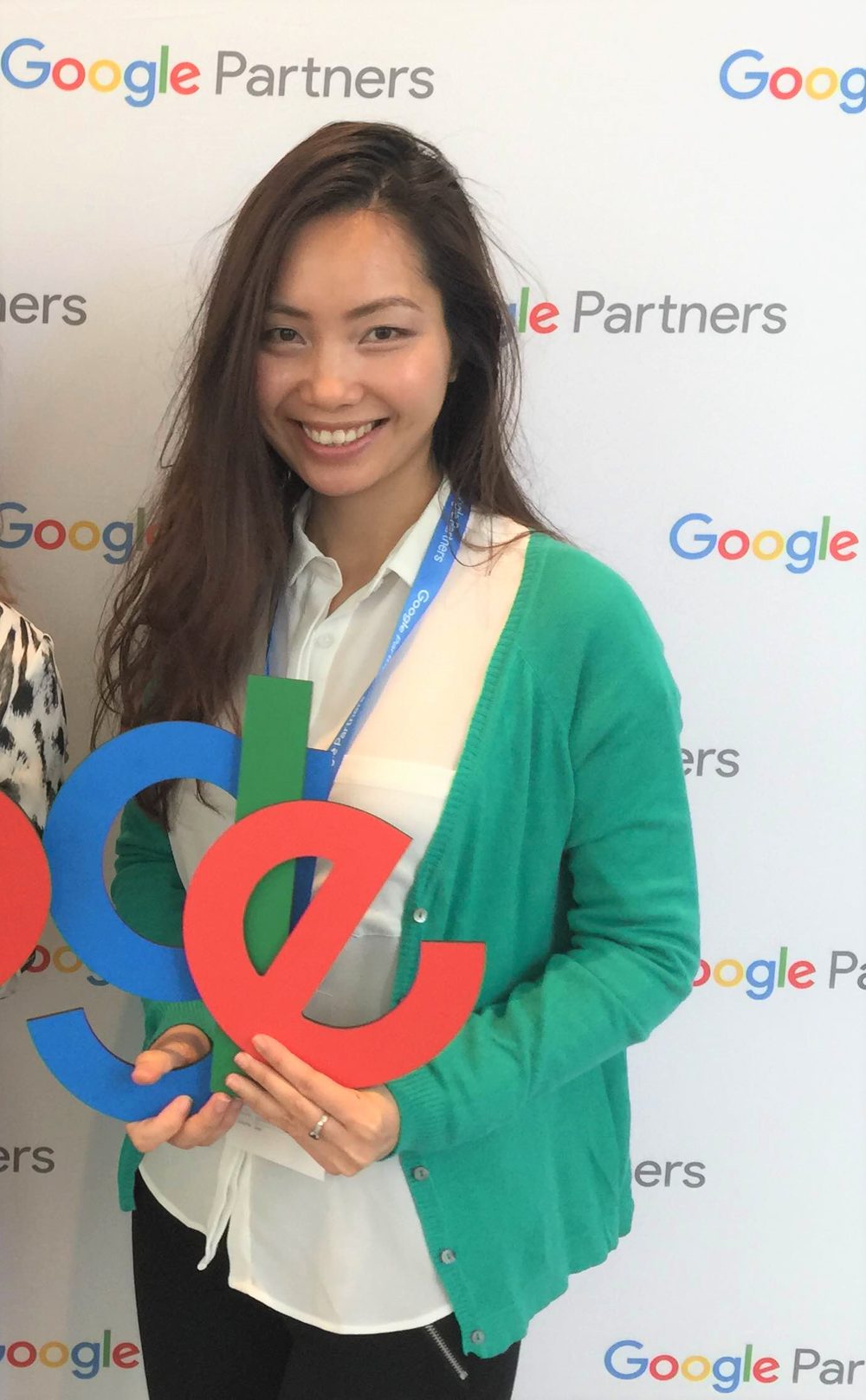
Me at a Google Partners event in Sydney, 2016
In 2014 I got certified by Google in AdWords PPC advertising. In 2015 I began a master’s in marketing at University of Technology Sydney (UTS) while working at a digital marketing agency, managing Google AdWords accounts alongside website conversion optimisation and content for social media. Around the same time, I grew a hobby blog for affiliate marketing which ranked #1 on Google for many targeted keywords and was featured in Google’s snippet results back then, purely through on-site long-form content optimisation.
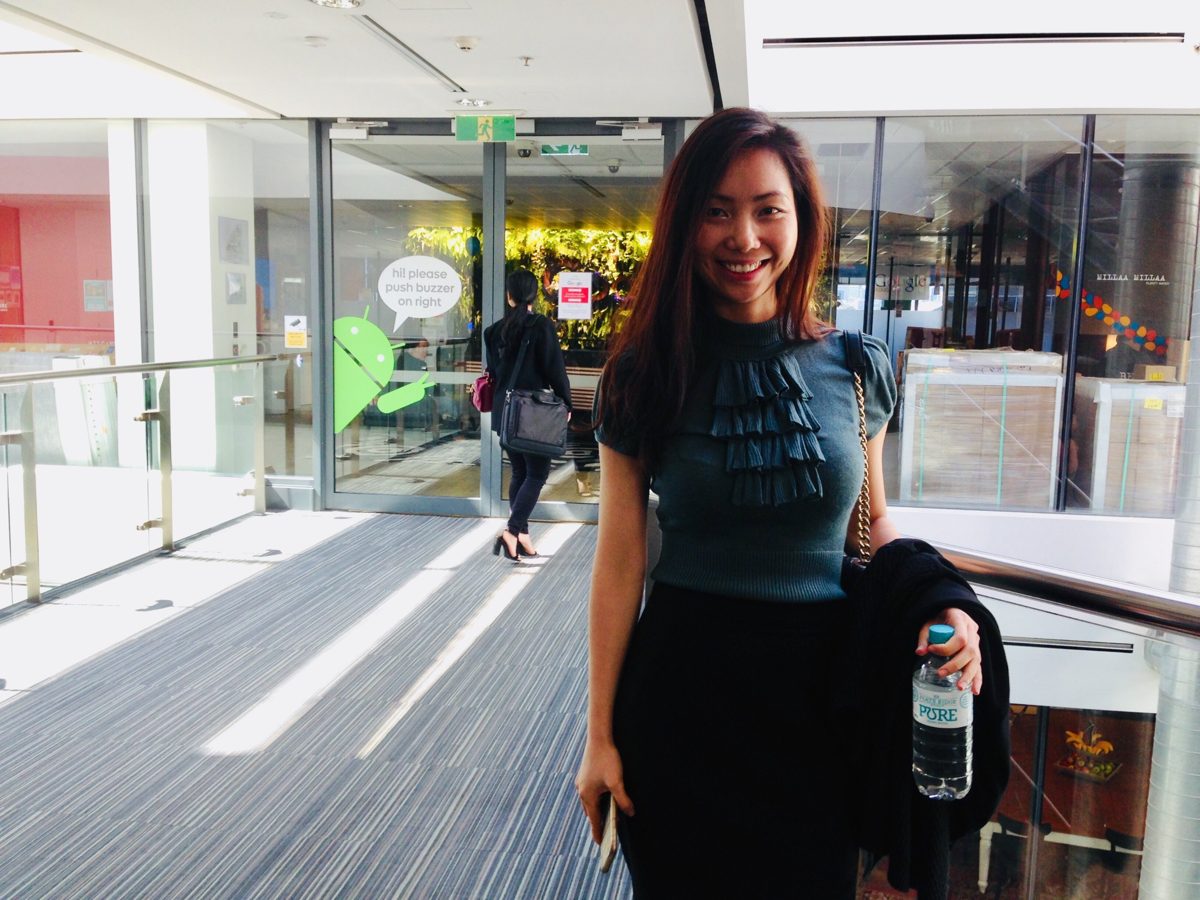
Me at Google’s Sydney office, 2016
I then moved into a Digital Marketing Executive role at a fintech company based in Sydney, where I ran the whole digital marketing function across website and social media, and within two months, lifted website traffic by 127% and webinar signups by 156% while increasing social media engagement (likes, shares) by 150% and visibility (impressions) by 220%.
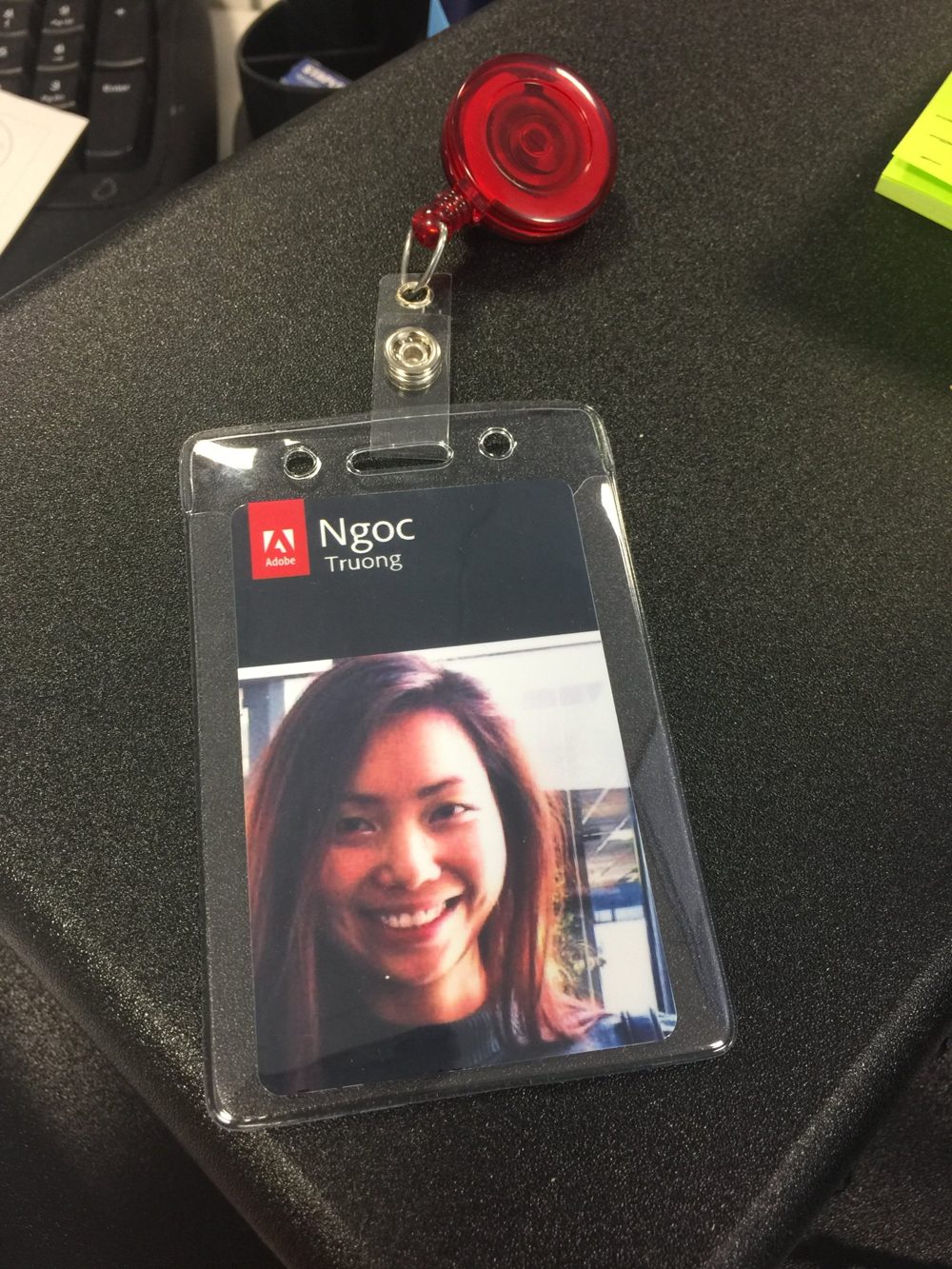
Me at Adobe
After that, I took charge of paid lead acquisition across all digital channels, from search to social media, for Marketo (later Adobe), an American marketing software company, for the Australia and New Zealand region. I developed content for search and social advertising, and landing pages for conversion. In under a year, I cut cost per lead acquisition by approximately 4x, making the region a global top performer in paid lead acquisition.
Content was always at the centre of my work, a major part of which is testing different content assets across different audience groups to find out which content and offers resonate most with each group.
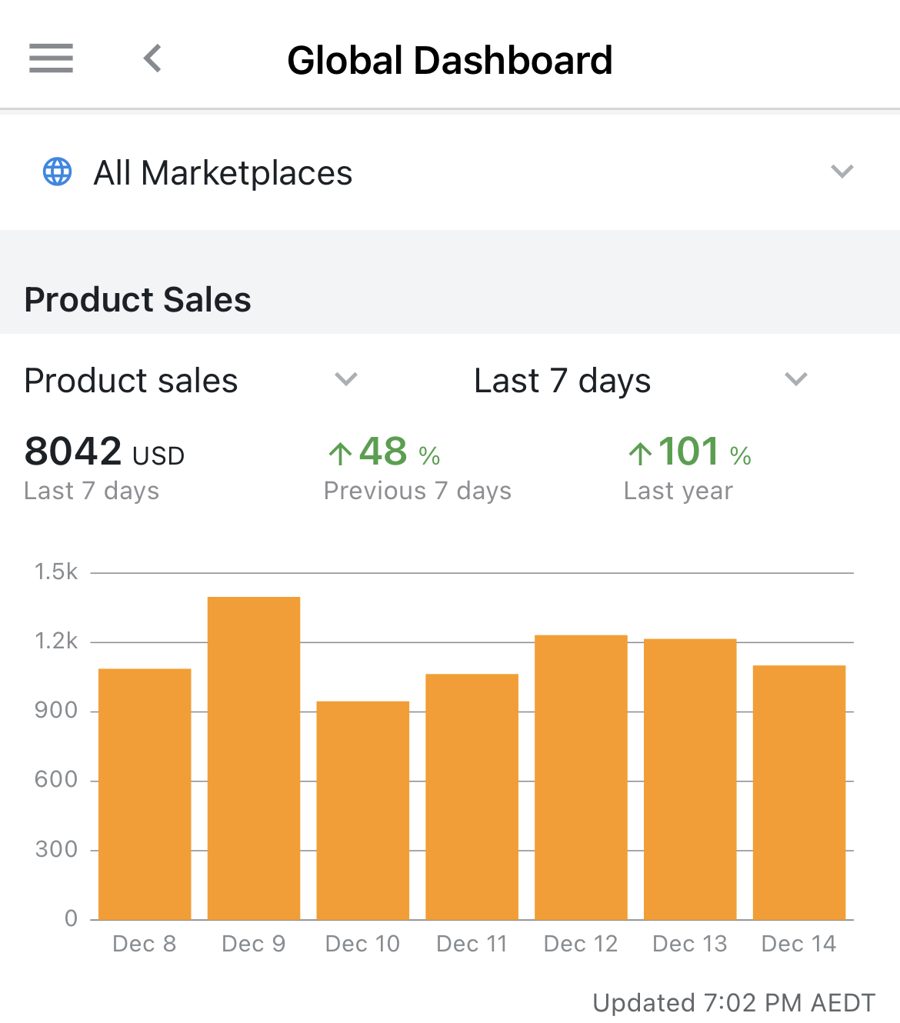
7-day sales in my 2nd year of selling on Amazon
In late 2019, I started my own ecommerce business, selling on Amazon US. I grew a product from scratch to authentically become Amazon’s Choice for all important keywords and one of the top 10 best sellers in its category, after only three and a half months of selling as a brand-new seller. From day one, I was very well aware of content optimisation for the listing: product photos, videos, influencer marketing, and listing optimisation for sales conversion.
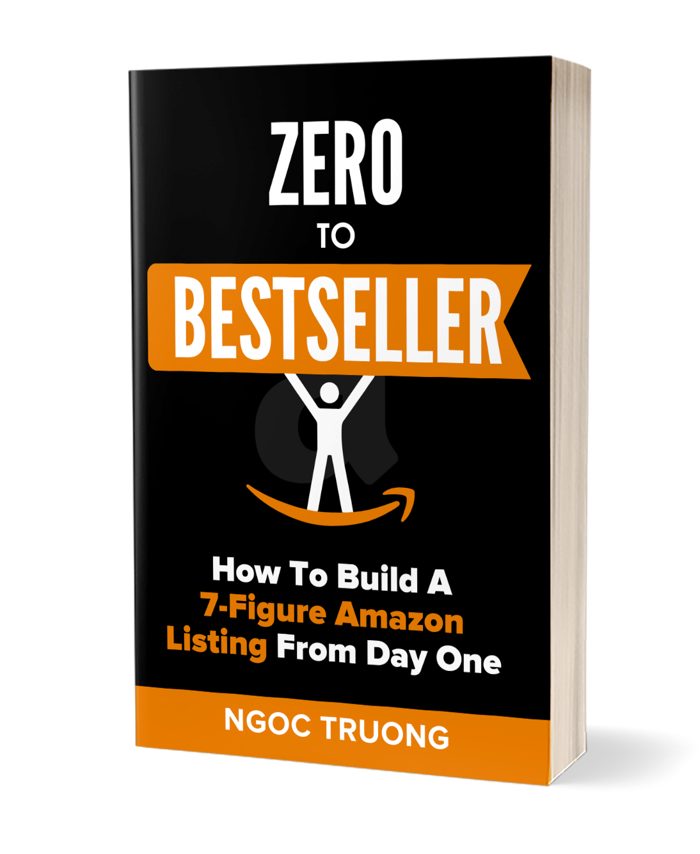
I wrote a book: Zero to Bestseller: How to Build a 7-Figure Amazon Listing from Day One, where you’ll find everything you’d want to know about building an optimal listing on Amazon, from front end to back end. It was written by me, almost 200 pages, and holds a lot of my real research, case studies, and examples. It’s the result of my own work, not like most books nowadays, written by AI.

Jeff Bullas, an Australian leading voice in social media marketing, has this to say about the book:
“Ngoc reveals the tactics, the diligence, and the processes that will allow you to fast track an Amazon FBA store from zero to hero… a roadmap and labour of love that you can use to take your Amazon FBA business to six or seven-figure success.”
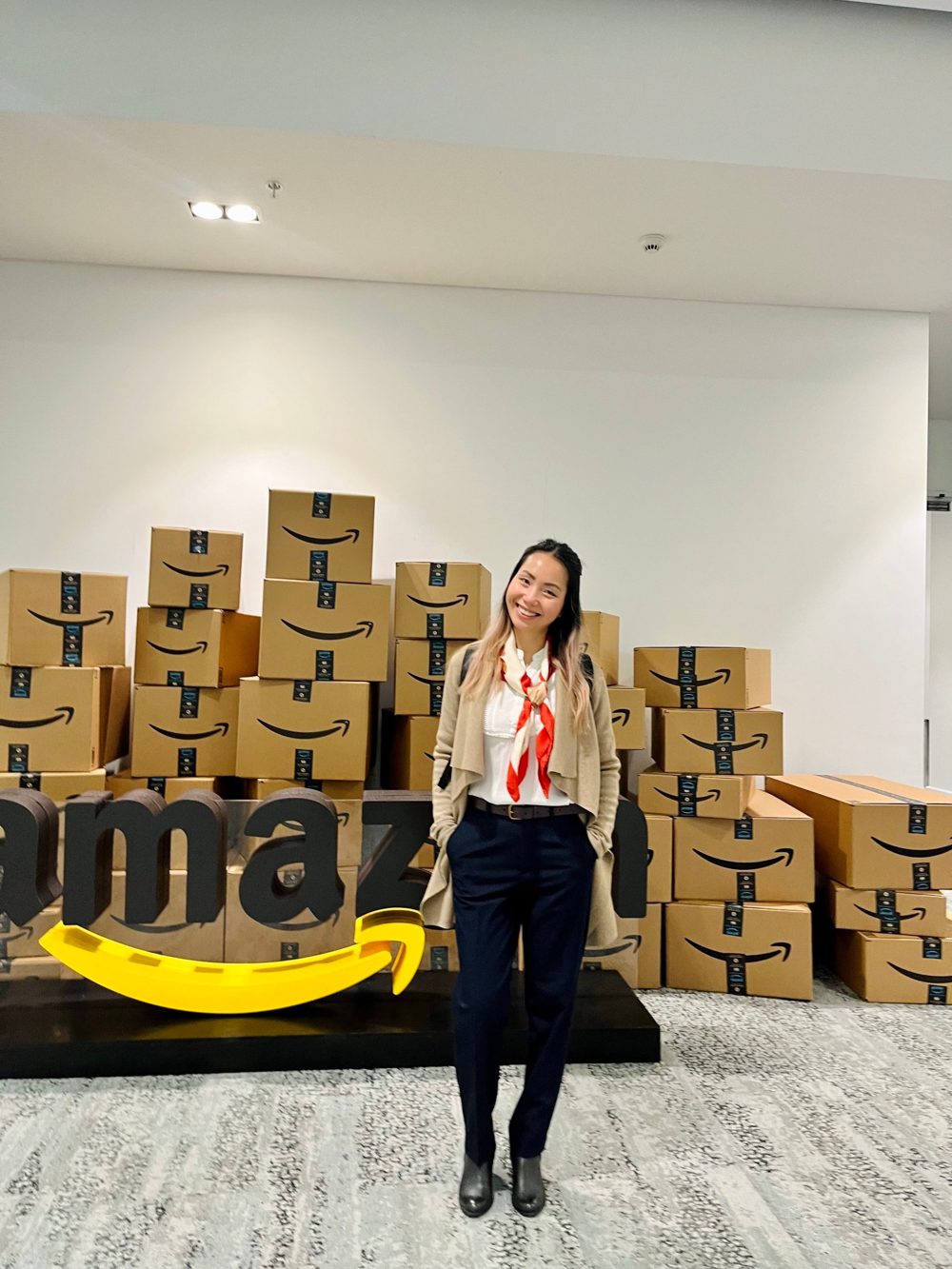
Me at an Amazon event in Sydney, 2023
I’ve also coached students on how to find and launch products successfully on Amazon.
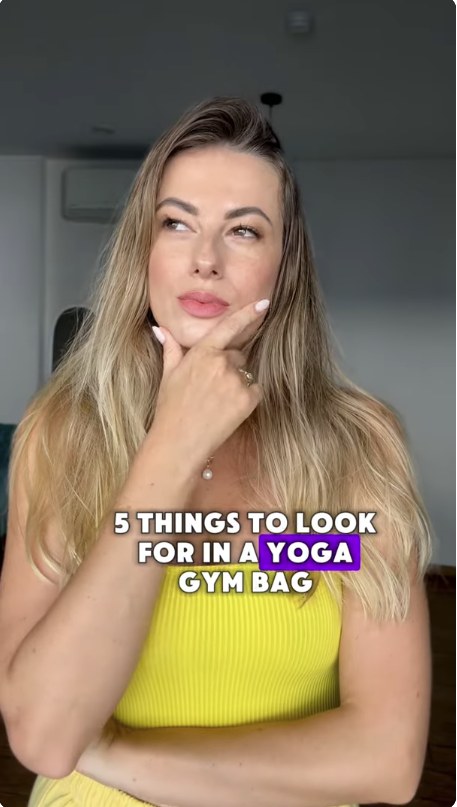
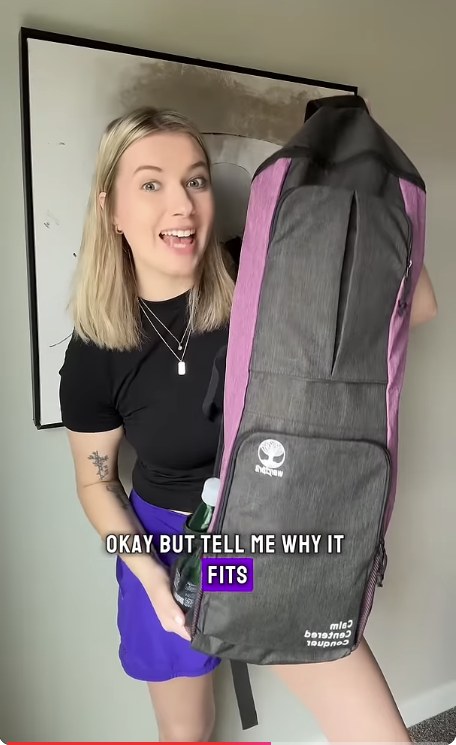
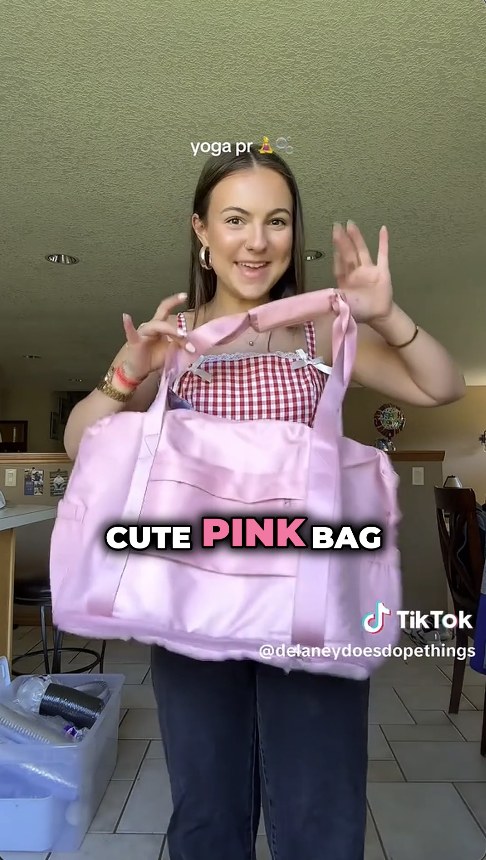
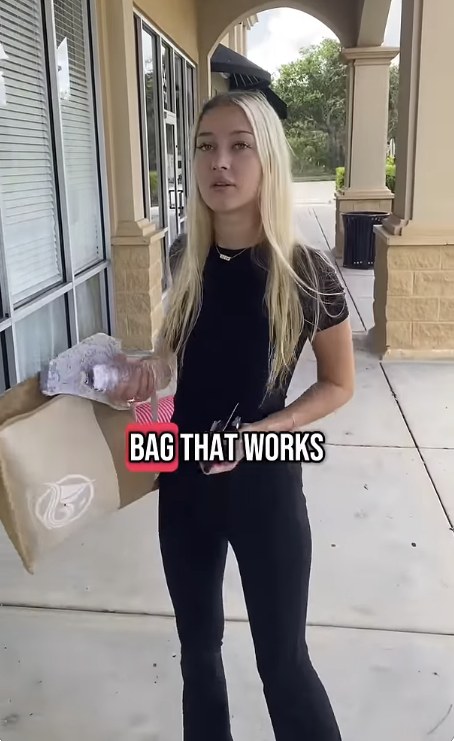
A few of the UGC videos I created for my products
I now sell on Shopify too, with an established product portfolio and a lot of positive customer reviews for my products. As I said above, I live and breathe content: I’ve created many UGC videos for Facebook and Instagram Reels advertising that brought high conversion rates. And now I’m applying AI automation, together with my experience in video content creation, to scale my social media marketing and save myself a lot of time on video creation and publishing.
Here’s what colleagues say about me:

“A great digital marketer, focused on results and data-driven. She reduced cost per acquisition considerably and drove some impressive results for the ANZ region. No doubts she’ll be an asset to any digital team.”
Paulo César Freitas Martins (now Global Sr. Director, Growth Marketing at Wellhub)

“Very switched on and savvy about digital marketing. Great attention to detail, thinks creatively about hitting KPIs and lead-gen targets, and a pleasure to work with.”
Catriona Hay, (now Head of Customer at Ideally)

“A master at Google AdWords, SEO and SEM. She greatly improved our traffic, conversions and visibility”
Lu Auckram (Head of Brand & Communications)
You can find me on LinkedIn at @ngoctruongfba, where I also founded and run Amazon FBA Newbie Sellers, a community of over 1,300 brand owners, marketers, and growing. I share tips on ecommerce marketing, content creation and AI there.
Why do I do this?
I love two things: content creation and AI automation. This service allows me to put them together.
My core advantage is content creation and conversion optimisation, combined with years of experience in digital advertising and sales funnels. I want to offer that knowledge and experience to other business owners, to help them grow and scale.
Let’s find out if this is for you?
Picture it a few months from now
Your channels grow week after week, new people finding you all the time, and none of it on your plate. The videos you already made, finally working for you, while you get your time back for the rest of your business.
You don’t carry any of the risk
And you don’t carry any of the risk. Once your system is up and running, if you don’t see any growth in views or followers on any of your channels within the first 30 days, you get your money back.
I take on only one new client a month
I take on one new client a month, and only when I’m confident I can grow their channels. So the first step is simply to find out if yours is one I can.
Let’s see if we are a good fit
Fill in the short form below to see if we’re a match 🙂
Then, watch for the one email I’ll send you, just one, no follow-up chasing. It’ll tell you my read on your channels: what I see, and what I’d do with them.
Whether or not we end up working together, you’ll come away with an honest sense of your real potential to grow, and what you could do to unleash it. No cost, no obligation.